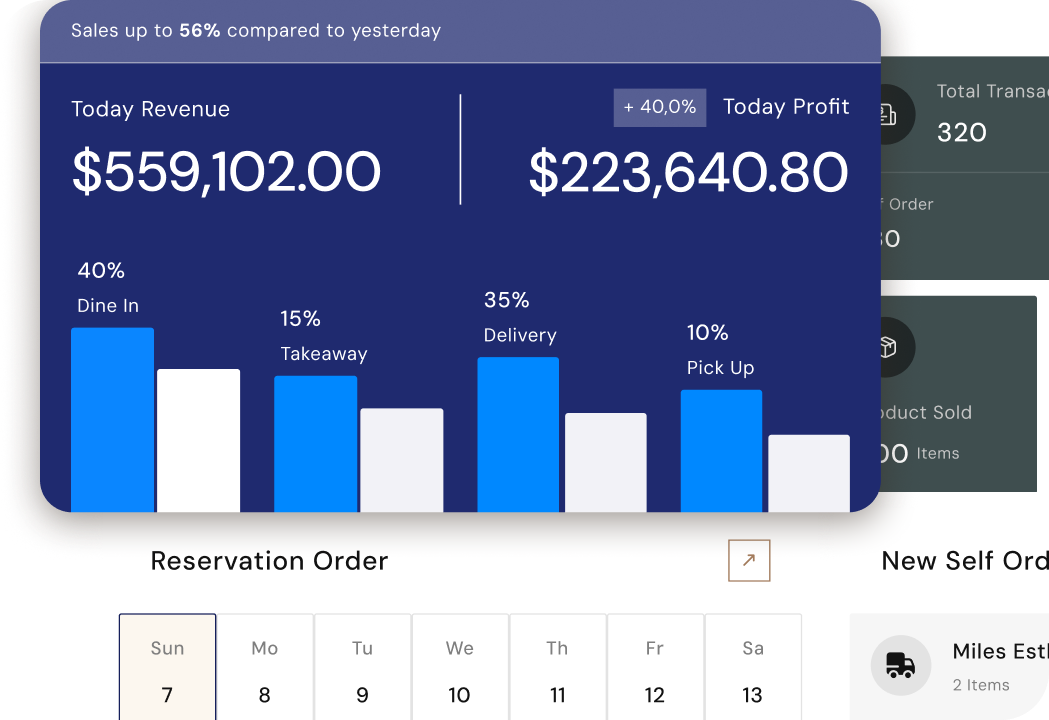
Record every payment your customers make and connect it to the right invoice, receipt, or customer account. Quickly see who has paid, which invoices are still open, and how much cash has been collected, all in one place built for UAE businesses.
Payments need the right details so balances stay accurate. A clean recording workflow makes it easier for your finance team to review collections and update customer accounts.
Complete Payment Records
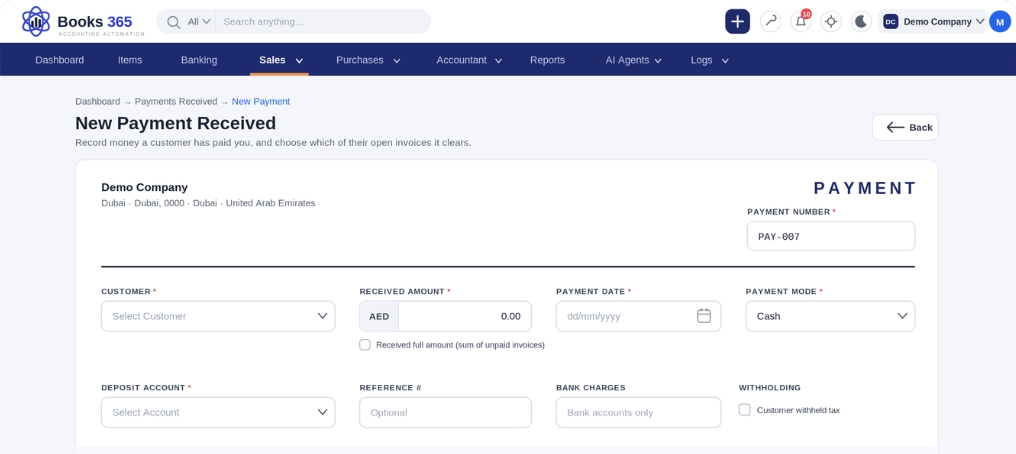
Capture customer name, invoice reference, payment amount, payment date, and payment method for every transaction.
Bank & Cash Accounts
Record which bank or cash account received the money, along with the transaction reference.
Notes & Attachments
Add notes and attach supporting documents, so every payment is easy to verify later.
Apply Payments to
the Right Invoices
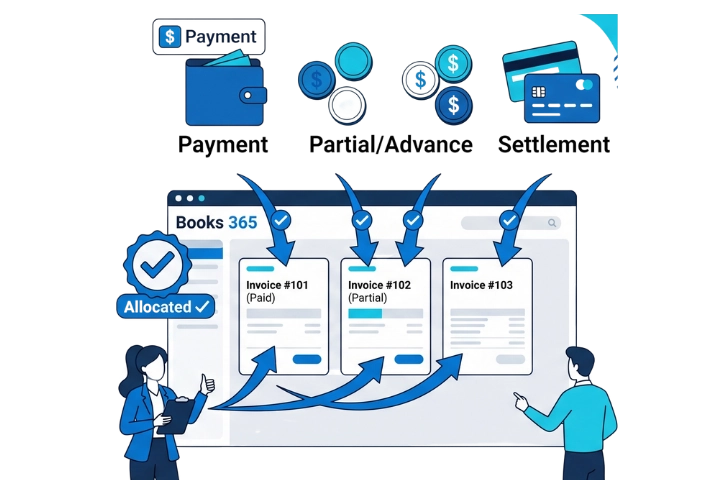
Whether a customer pays in full, pays part of an invoice, pays in advance, or settles several invoices together, allocate each payment correctly. Customer balances stay clean and payment matching mistakes stay out of your books.
Full Payments
Partial Payments
Advance Payments
Multiple Invoices
Collections, Cash, and
Reports
Always Up to Date
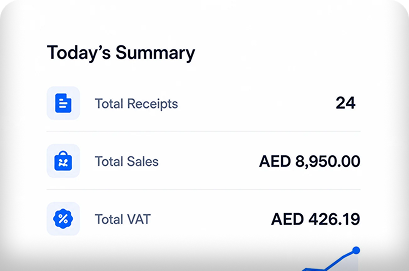
Every payment recorded in Books 365 connects with customers, invoices, receipts, bank records, and financial reports. Owners, accountants, and finance teams get a clear view of cash received, outstanding receivables, and collection performance.
Know Exactly Where
Every Receivable Stands
From fully settled invoices to overpayments, track every type of customer payment in one place.
Customer Payment History
Receivables Follow-up
See unpaid balances clearly and follow up on what’s still owed.
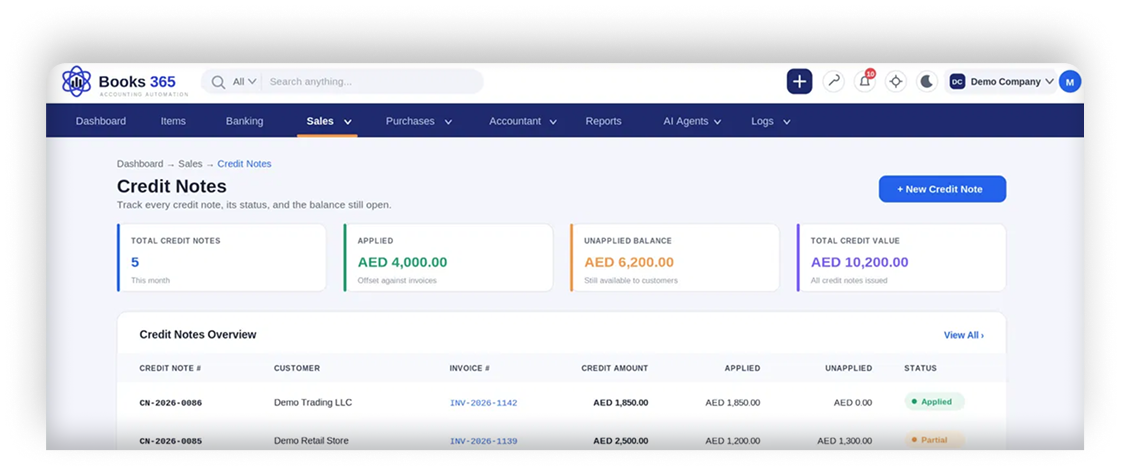
Partial, Advance & Overpayments
Monitor part-paid invoices, advance payments, and overpayments with automatic customer balance updates, so every amount is allocated correctly.